Discover how to set up an old Mac to run essential services – from media streaming to password management – from your home network.
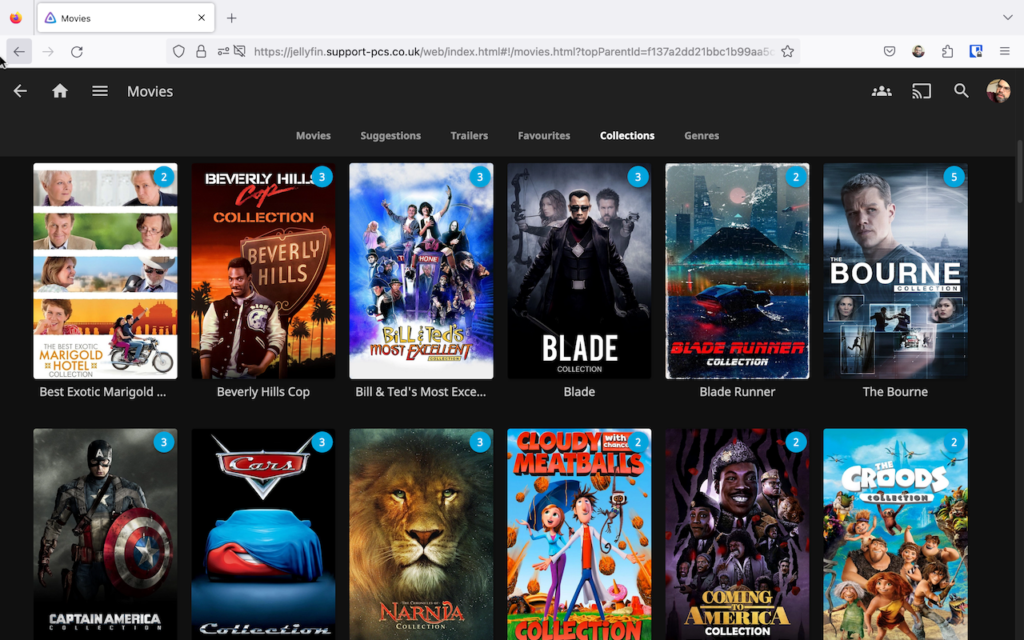
Do you have an old Mac gathering dust somewhere? Then why not press it into service as a dedicated server? As its name implies, a server provides services through your network, from a simple centralised file-sharing repository to full-blown tools like media streaming, password manager, VPN server, cloud storage, home surveillance, and much, much more.
In this feature we’ll show you how to prep your old Mac for its new role. You’ll wipe it clean and upgrade it to the latest version of macOS – even if it’s no longer officially supported by Apple. We’ll highlight useful hardware upgrades – including extra RAM, Ethernet adapter and external storage, plus reveal how to set it up for remote unattended access, so it can be connected directly to your router without requiring a monitor, keyboard and mouse.
We’ll then shift our focus to looking the kinds of services you can run on your new server, from built-in features like printer and file sharing, plus single Time Machine backup drive for all your network, to some recommended third-party services to provide such services as media streaming, VPN and file syncing. We’ll then look at Docker, a tool that will allow you to run all kinds of services from your Mac – we’ll even show you how to set up your own self-hosted password manager to protect your passwords from hackers and other nefarious agents.
If you thought your old Mac was past its best, think again. Click here to give it – and your entire household – a whole new lease of life.